.svg)


.svg)





mobile app Built for daily execution
More signals from the field. More context in the schedule. More connected than ever.
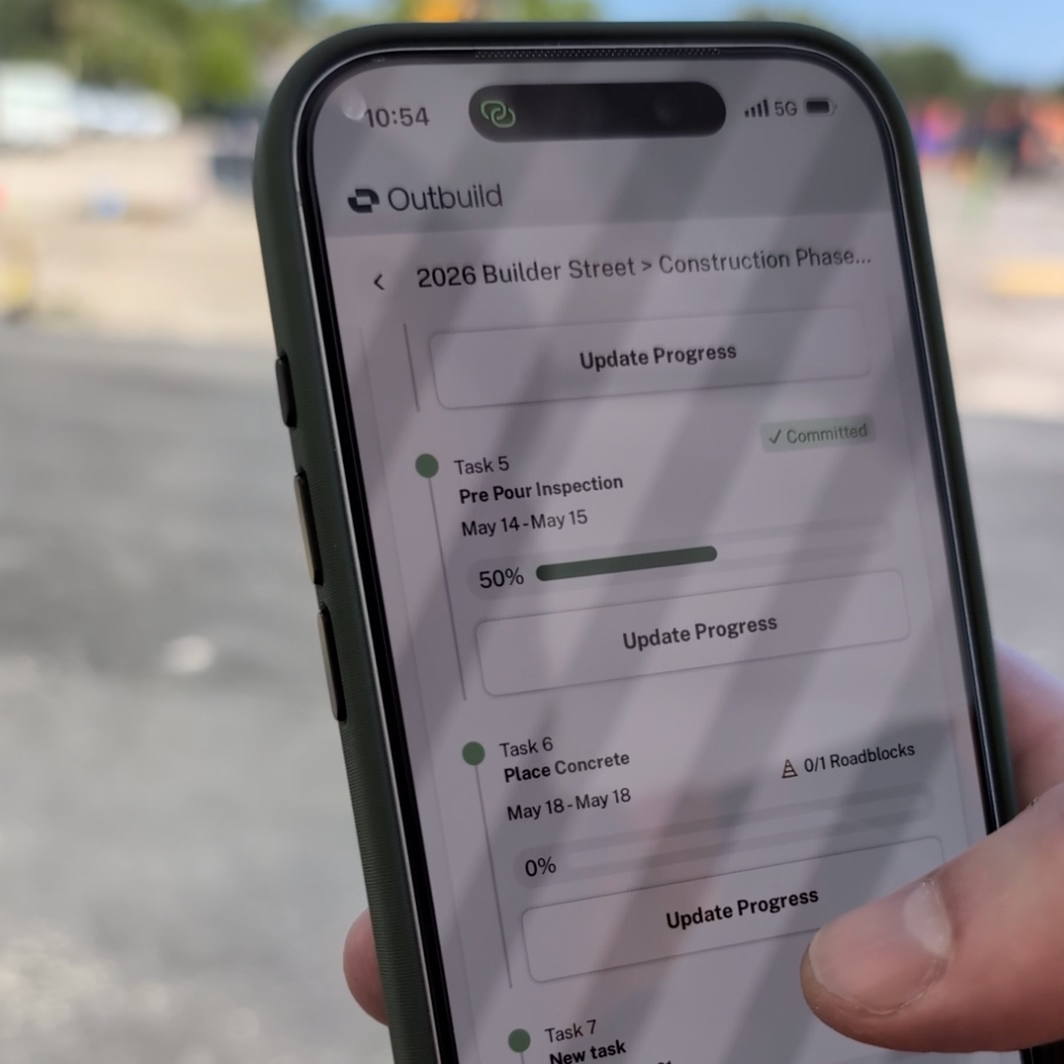
The mobile app is not a planning tool. It's an execution tool. Foremen and crews use it to report daily progress as it happens, so the schedule reflects reality without anyone chasing updates at the end of the day.
Foremen & trade leads
Mark assigned tasks complete as crews finish them. No paperwork, no daily report to fill out. The app is the daily report.
Subcontractors
Filter to your scope and update your own tasks directly. GCs get accurate progress without having to ask for it.
Project managers
See what the field completed today. Without being on site or waiting for the end-of-day call. Real data, in real time.
Progress logged in the field. Live in your schedule.
No end-of-day calls. No rekeying. The construction Mobile App gives the field quick access to assigned daily tasks. Progress is logged as work is completed, and your schedule updates instantly.
Get a personalized demoShow the work, tied to the task.
Connect photos from the field directly to tasks on your Lookahead. A shot of the framing that went up, the concrete that was poured, the area cleared and ready for the next trade.
Get a personalized demoIssues flagged in the field. Resolved before they matter.
Issues on a job site shouldn't wait for a morning meeting. When something comes up, the field logs it as a Roadblock in the app - and it's instantly visible on the schedule. Blockers get surfaced and resolved before they can become delays.
What our customers are saying.
From billion-dollar companies to smaller family-owned businesses. They all believe that construction deserves a better scheduling and planning tool.


.webp)
.webp)

Some work belongs on a bigger screen.
The iPad app gives superintendents a full lookahead view to create tasks, adjust the plan, and run crew alignment meetings. All from a tablet on site.
Learn more about the iPad app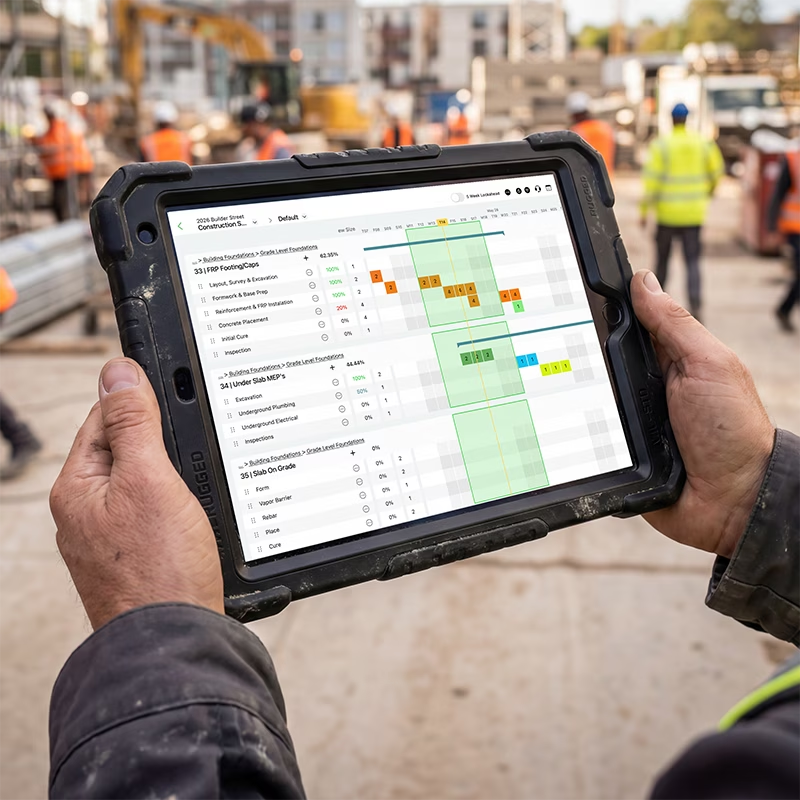
Ready to see Outbuild?
Join hundreds of contractors from 10+ countries that are saving money by scheduling better





We’ll be in touch soon!