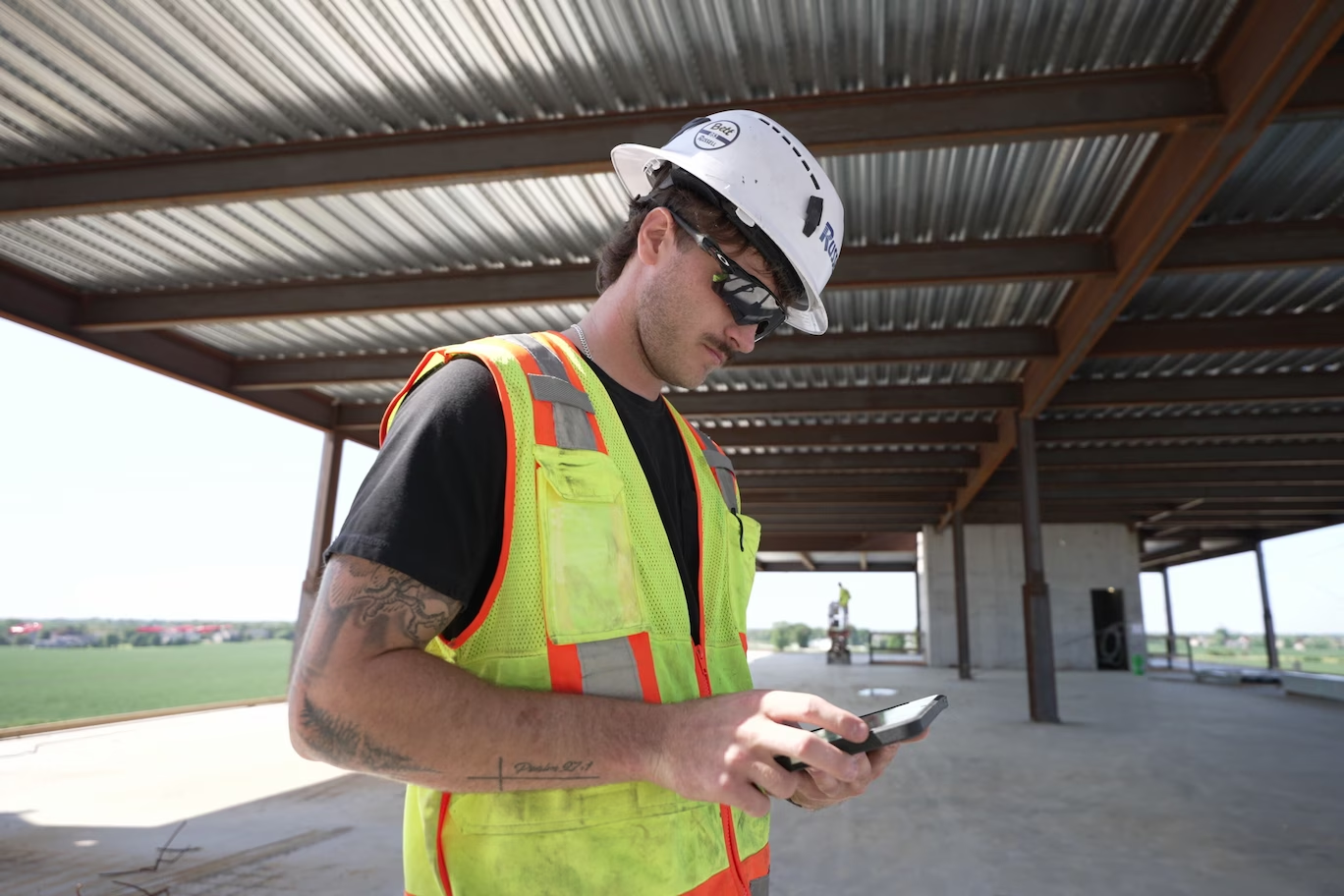


Outbuild is online scheduling software to work together on connected project schedules and look-aheads, enabling everyone to move faster.
Key Takeaways

- Schedules, Lookaheads, and Weekly Work Plans within one integrated platform.
- Real-time insights and project analytics through automated dashboards.
- Easier, streamlined plan management through a user-friendly interface.
Table of contents
- The best construction field management apps at a glance
- How we evaluated these field management apps
- The top construction field management apps, reviewed
- Construction field management apps compared
- What field teams will actually adopt
- Choose the app your field team will use
When field teams are empowered to operate at their best, everyone benefits. And the more we can plug the data from our field team into all the other moving parts on a construction project, the more efficiently everything will run. We made huge improvements in this area when cloud computing was normalized, and now construction field management apps are furthering that cause by making the data transfer from the field as efficient as it can be.
There are several construction management platforms out there, and they each have some form of a mobile app. None of them sell the app on its own, so choosing a field app also means choosing the platform behind it. What we are really talking about is which platforms have built an intuitive field app that crews will use.
So, instead of grading these apps on how much they can do: drawings, forms, photos, daily logs. We graded each one on how likely it is that your field team will open it every day, and where the information they enter ends up in the rest of the platform.
We're grading the mobile apps from five construction management platforms on six criteria, then covering which ones we've seen have the most success with adoption.
Outbuild builds scheduling software with iPad and mobile apps, so we have a stake in this. We've kept the comparisons honest and pointed you to other tools where they're the better fit.
Outbuild, Procore, Fieldwire, Raken, and Autodesk Forma Build have five of the best mobile apps for construction field management, and each one is strongest at a different job. The apps come with the platform, so prices are platform prices, from each vendor's public information as of October 2026.
A construction field management app is the mobile side of a construction management platform: the app a field team uses to record progress, daily reports, photos, and issues from the jobsite. You pay for it as part of the platform, so it's only worth it if the field team uses it and the information reaches the people who plan the work. With this in mind, we graded each app on six things:
- Offline use: Does it work in a basement, a tunnel, or a rural site with no signal, and sync cleanly when the connection comes back?
- Ease for field teams: Can a foreman or superintendent pick it up after one walkthrough, on the device they already carry?
- Daily reports: Can the field team log manpower, weather, work completed, and delays in the app, without retyping it later?
- Schedule sync: Does progress entered in the field update the project schedule, or does someone carry it over by hand?
- Photos and forms: Can photos, checklists, and inspections be captured on site and tied to a location, task, or activity?
- Integrations: Does it connect to the rest of your stack, like Procore, Autodesk, Primavera P6, or Microsoft Project, with a two-way sync or a one-way export?
None of the apps do everything perfectly, so consider which one best enables the field team.
Features and pricing come from each vendor's public information, checked October 2026. Pricing is for the full platform, since none of these apps are sold on their own. Both change often, so confirm before you buy.
Outbuild: best for connecting the field to the master schedule
Outbuild is a construction scheduling platform with iPad and mobile apps that are primarily built around the Lookahead. The iPad app gives the field team nearly the same Lookahead as the web version, in a landscape view they can scan across, so they can build out and update their lookahead plan from the jobsite. They update progress, add progress photos, log Roadblocks (Outbuild's term for the constraints that hold up work), and send Schedule Impact Requests (SIRs) when a task needs more time.
The phone app is built for quick progress updates. The field team can dictate what got done that day, and the app recommends which Lookahead tasks to update. It also lists upcoming tasks and lets the field team log Roadblocks.
The field team doesn't edit the master schedule from the apps. Lookahead tasks roll up to master schedule activities, and schedule modifications go to the PM as SIRs. Once the PM approves an SIR, the new dates show up back in the app. The apps work offline and sync when signal returns. Outbuild has a two-way sync with Procore, Autodesk, and Trimble ProjectSight, and imports and exports Primavera P6 and Microsoft Project schedules. Pricing is based on annual construction volume, with unlimited users.
The phone is already in the field team's pocket, so progress gets logged on site while it's fresh. A Roadblock flagged on the jobsite can be reopened later from a computer to add detail and work toward clearing it. And once the team commits to its work plan in Outbuild, the person in the field can have an honest conversation with the crew about what they committed to, and track what got done.
Watch-out: Outbuild doesn't offer daily reports, forms, or checklists. Teams that need them often keep those in Procore or Autodesk and connect them through the integration.
Procore: best all-in-one platform
Procore is the broadest construction management platform on this list, covering project management, quality, safety, documents, and financials in one system, with unlimited users on every contract. Its mobile apps run on iPhone, iPad, and Android, with daily logs for manpower and weather, photos, and forms that can be filled out offline from downloaded templates.
Offline access covers items the app has already cached, and changes sync when the connection returns. Procore's schedule tool imports Primavera P6 and Microsoft Project files, and field users can update percent complete on tasks once an admin turns it on.
Watch-out: Procore's documentation says lookahead changes don't affect the native schedule, and the P6 connection is still through an import.
Fieldwire: best for plan-based field tasks
Fieldwire, owned by Hilti, is a field management platform built around drawings, with web and mobile apps. Crews pin tasks, punch items, and photos to locations on the plans, and Fieldwire says every core feature works offline with automatic sync. The free Basic plan (five users, three projects) makes it easy to trial with one crew.
Fieldwire offers Gantt, calendar, and Kanban views for three-week lookaheads and pull planning, and daily reports come from a form template.
Watch-out: Scheduling is task-based rather than CPM. Fieldwire imports Microsoft Project and P6 files and doesn't advertise sending progress back.
Raken: best for daily reporting
Raken is a field reporting platform built around the daily report, with a web app for the office and mobile apps for the field. The field team logs work, notes, photos, weather, time cards, production, materials, and equipment from a phone, and report entries work offline and sync later. Raken pushes daily reports and photos into Procore and Autodesk, and connects to accounting tools like Sage, Foundation, and Viewpoint.
Watch-out: Scheduling in Raken means crew and resource scheduling. It doesn't advertise a project schedule, Gantt view, or a P6 or Microsoft Project connection, so field data correlates to resource tracking as opposed to construction progress tracking via a CPM schedule.
Autodesk Forma Build: best for design-to-field documents
Autodesk Forma Build is the construction management product in Autodesk's Forma platform, and its mobile app carries models, sheets, and photos from design into the field. Formerly Autodesk Build, it combines the field features of PlanGrid and BIM 360. Teams download project folders to work offline, and daily reports, punch lists, photos, and forms all run in the mobile app.
Its schedule tool imports P6, Microsoft Project, and Asta files, and the field can update status and percent complete from mobile. Workplan adds lookahead-style planning with commitments and PPC.
Watch-out: Schedules are imported, and Autodesk doesn't advertise sending field progress back to P6 or Microsoft Project.
This table grades each construction field management app on the criteria we can check from public documentation. Ease for field teams depends on your crews, so test it with them.
Field teams abandon construction field management apps that don't make their job easier or more effective. The field team is closest to the work and has the least time to spare, so an app has to give something back for the minutes it takes. When a foreman enters progress in an app and still gets a call from the PM asking for the same update, they've reported the same progress twice.
We often see field teams carrying several apps at once: one for drawings, one for daily reports, one for safety, one for time. Each one asks for a login and a few minutes a day. When none of that information changes what the crew does tomorrow, updating the apps turns into paperwork that gets skipped on busy days and increases the risk of accumulating garbage data.
Field teams stick with an app when they can see what their updates do. Progress entered on site shows up in the schedule the same day. A problem flagged in the field reaches the person who can clear it. The next conversation with the office can be about the work ahead.
When considering which tools to introduce to the field, Mike Wong, who has been a designer, sub, GC, and owner over the past 15+ years, describes his evaluation criteria simply:
"On any project, our goal is to get our people to come together, trust each other, and make good decisions, so we can deliver on the commitments we made to the owner. - Mike Wong, Head of Customer Success at Outbuild
Good decisions need good data, and you only get that data if people actually use the tools. So when I consider what tools to bring to my team, my main measuring stick is, will my people use it, and will they get instant value from it?"
Ease also means the field team can update its own work without risking changes to the master schedule. Clear permissions let a superintendent move their activities forward while the scheduler keeps control of the logic.
Before you choose a field management app, ask your field team:
- What will this app replace, and what will we stop doing?
- After I enter an update, who sees it, and how soon?
- Does it work where we lose signal?
- What do I get back from it that I don't have today?
Every field app comes with a platform, so you're choosing both at once. The best one is the platform whose app your field team opens every day, because it makes their work easier and gets what happened on site into the schedule. If connecting the field to the master schedule is the gap on your projects, get a personalized demo to see how Outbuild's iPad and mobile apps work on a live schedule.
Frequently Asked Questions
The best mobile apps for construction field management come from Outbuild for connecting the field to the schedule, Procore for an all-in-one platform, Fieldwire for plan-based field tasks, Raken for daily reporting, and Autodesk Forma Build for design-to-field documents. Each app comes with its platform, so the right choice is the platform whose app your field team will use every day, with updates that reach the people planning the work.
Superintendents use apps on a phone or iPad to update progress, log daily reports, capture photos, and flag problems from the jobsite. For superintendents who own the lookahead, a scheduling app like Outbuild lets them update the Lookahead, log Roadblocks, and request date changes from the field, while the scheduler approves changes to the master schedule.
Yes, most construction scheduling tools now have mobile apps, but they differ in what field updates do. Outbuild's iPad and mobile apps update the Lookahead, which rolls up to the CPM master schedule, and sends schedule modifications to the PM for approval. Procore and Autodesk Forma Build let the field update percent complete on an imported schedule, and Fieldwire updates its own task-based schedule.
Pilot it with a superintendent and a small crew on an active project. Ask them to record progress, flag a problem, and find their upcoming work. Check how much time those tasks take and whether the office receives usable information. Prioritize an app that removes duplicate reporting and helps crews plan their next steps.
Look for quick progress updates, easy access to upcoming work, photo capture, and a clear way to flag constraints. Test the app on the devices your superintendents use. They should be able to record an update once and see that information reach the office without another call, spreadsheet, or manual entry.


Ready to see Outbuild?
Join hundreds of contractors from 10+ countries that are saving money by scheduling better

We’ll be in touch soon!