Blog posts
How do I bring transparency to schedule commitments across all trades?
How do I bring transparency to schedule commitments across all trades?
How can general contractors keep field crews and office teams aligned on the project schedule in real time?
How can general contractors keep field crews and office teams aligned on the project schedule in real time?
How do I synchronize the schedule with RFIs, submittals, and inspections?
How do I synchronize the schedule with RFIs, submittals, and inspections?

How do I track dependencies between long-lead items and critical path activities?
How do I track dependencies between long-lead items and critical path activities?
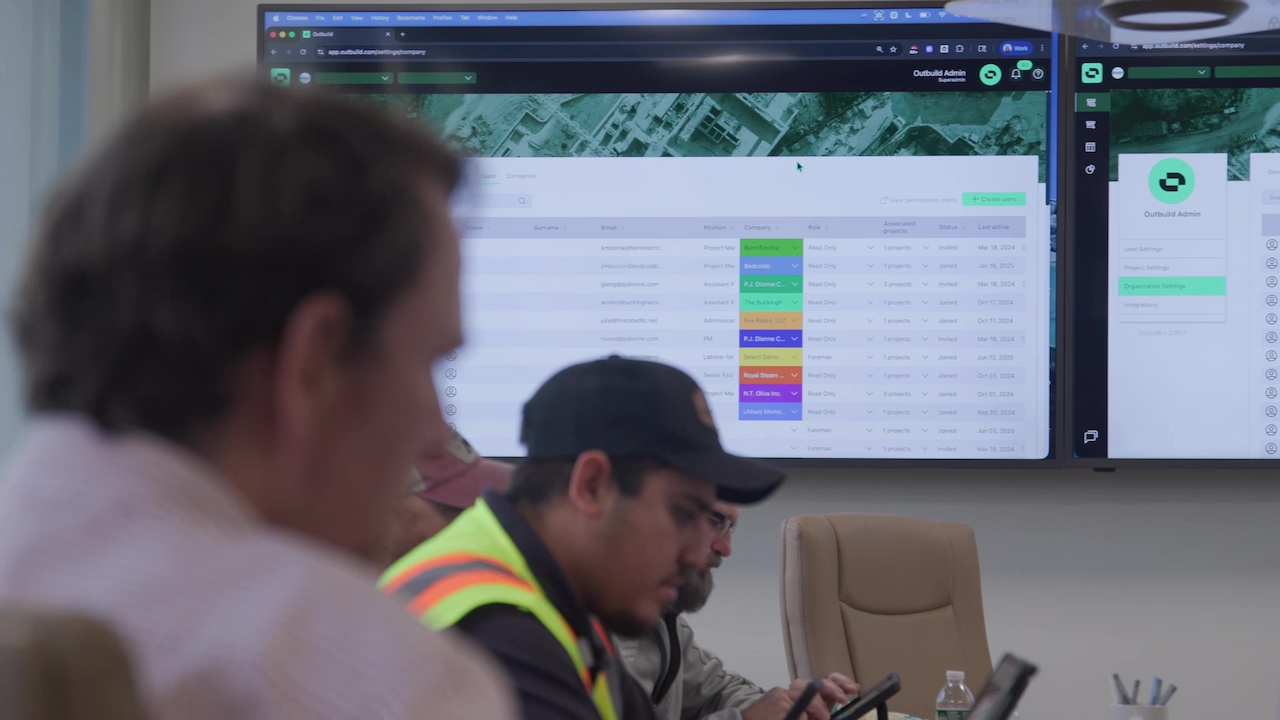
What is the best workflow to link master schedule milestones to phase pull plans?
What is the best workflow to link master schedule milestones to phase pull plans?
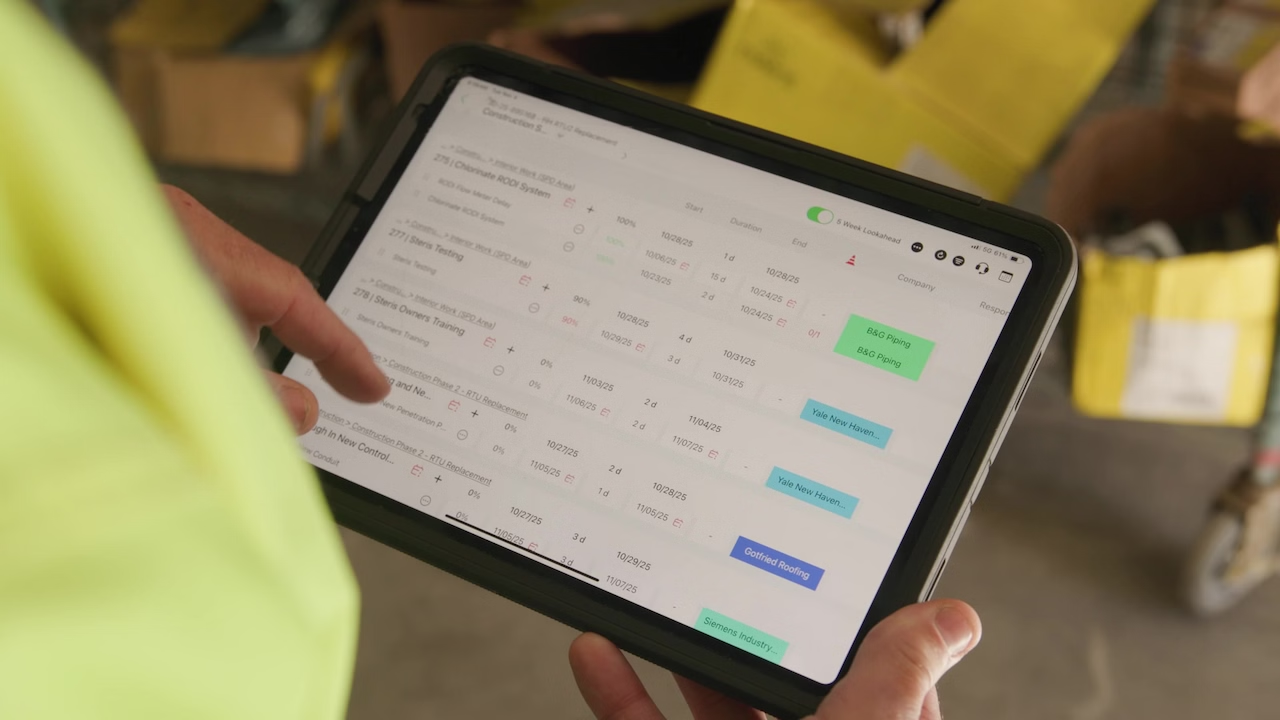
How can project teams visualize float and critical path in a simple, field-friendly way?
How can project teams visualize float and critical path in a simple, field-friendly way?

What KPIs should be tracked to measure schedule health on construction projects?
What KPIs should be tracked to measure schedule health on construction projects?
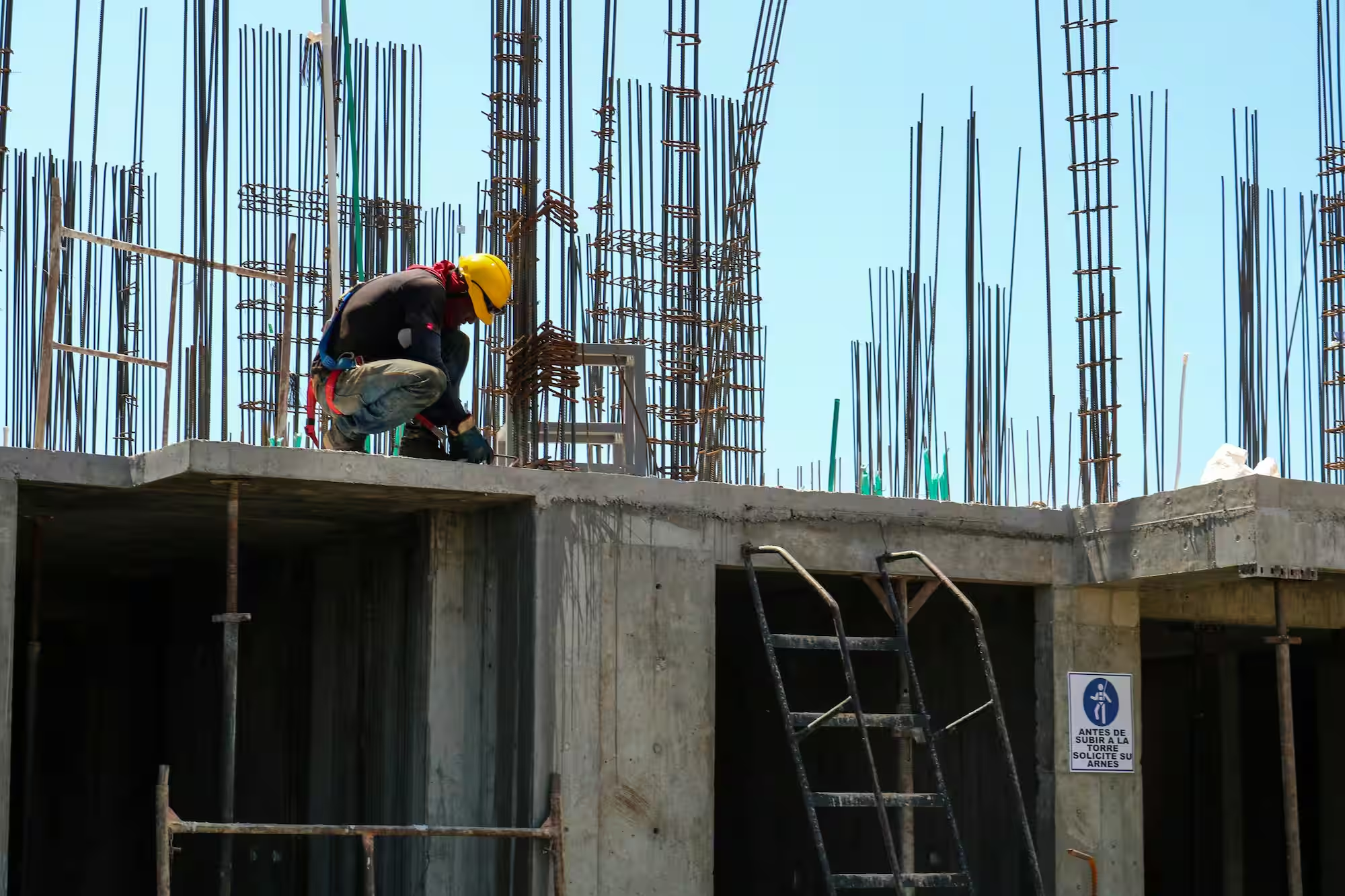
What solutions help analyze schedule risk without needing a specialized scheduler?
What solutions help analyze schedule risk without needing a specialized scheduler?
get started
Ready to see Outbuild?
Join hundreds of contractors from 10+ countries that are saving money by scheduling better


Thanks for reaching out.
We’ll be in touch soon!
We’ll be in touch soon!
Something went wrong while submitting the form—please try again.